Welcome to a new day, and a new way to grow your career with the State of Alabama!
Application Guide
Create An Account
First, you’ll need to create an account with NEOGOV to apply for any jobs that might interest you.
From the main page of the website, click Apply Now this will take you to the NEOGOV website.

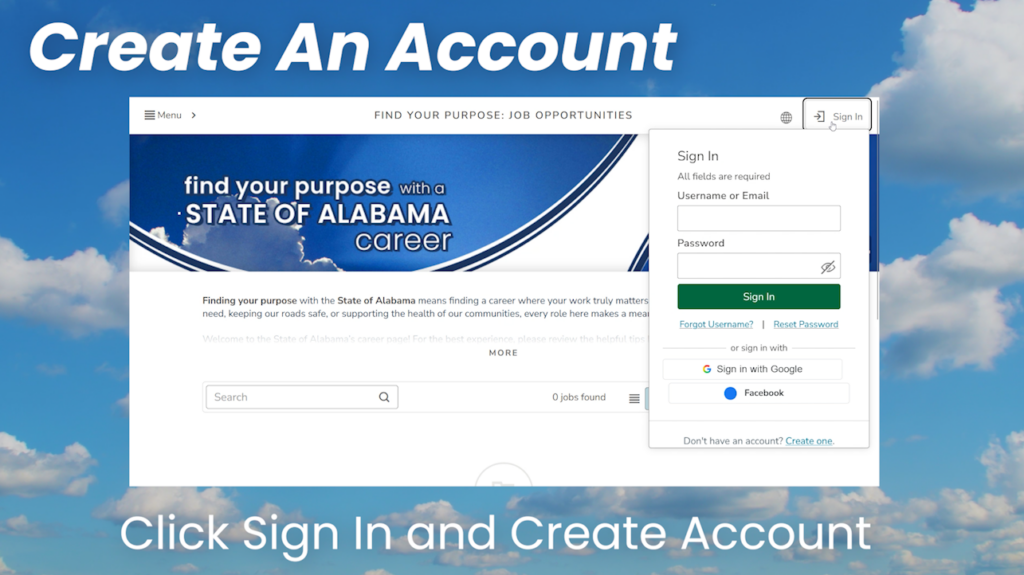
From there, you’ll need to click Sign In followed by Create Account.
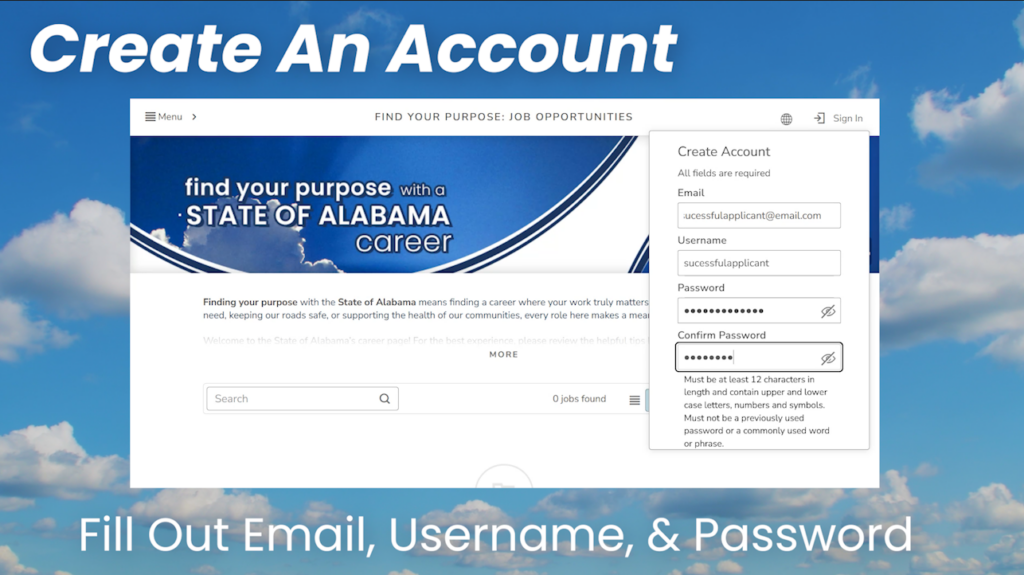
To create an account, you’ll need to provide an email address, a username, and a password.
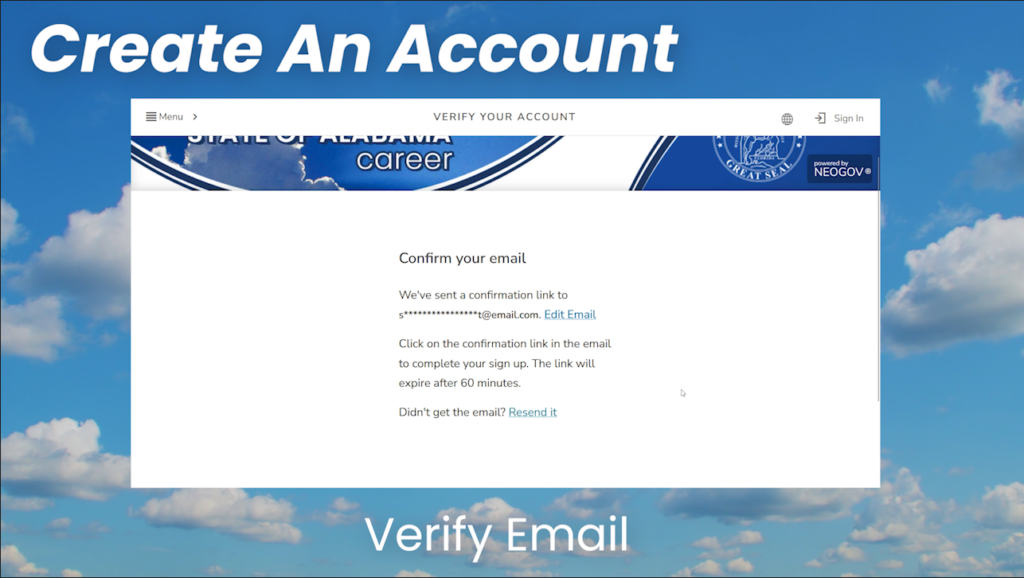
The last step is to check the email you’ve provided for a message from NEOGOV asking you to verify your account.
After creating an account with NEOGOV you’ll be able to apply for jobs, and it’s easier than ever before. Here’s a step by step guide to help you get familiar with the process.
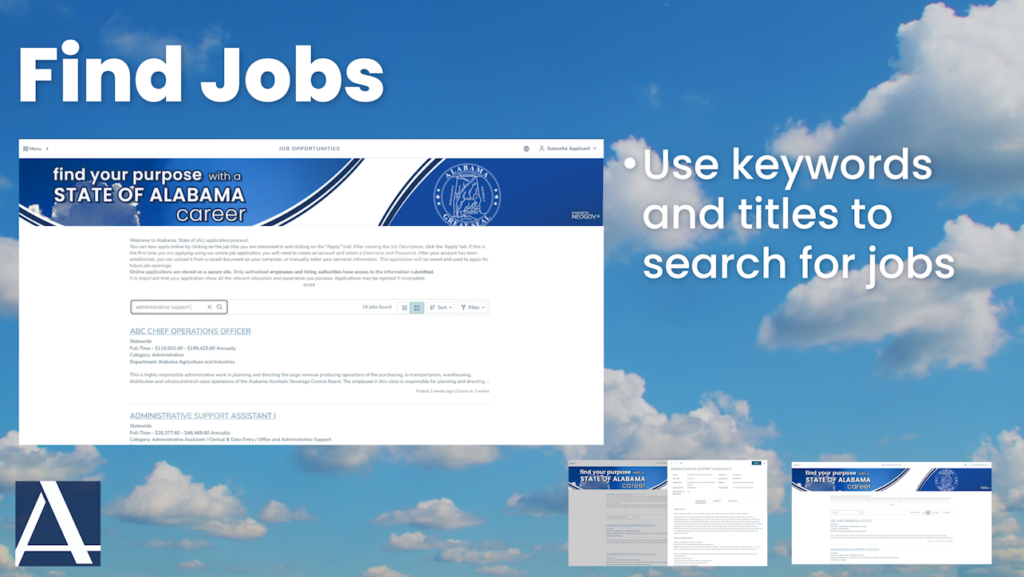
Step 1: Use Keywords and Titles to find and select the job you’re looking for. You can also browse the job listings though not everything will be open for application. Is the job you’re looking for closed to applications? Sign up for notifications for job openings when they become available!
Remember, you won’t be able to apply without an account.
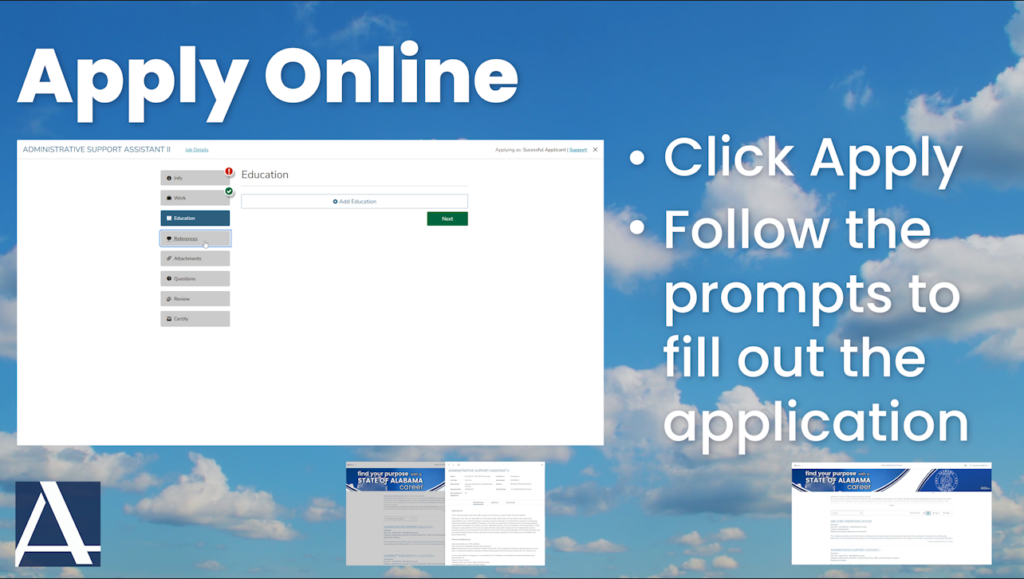
Step 2: Apply online using NEOGOV’s intuitive application system by following the prompts to provide your information. This includes your Personal Information, Work History, Education, and References, as well as attachments. After answering a few questions, you will be able to review your application information and submit it.
Remember, NEOGOV will not allow you to submit an application until all of the prompts have been satisfied.
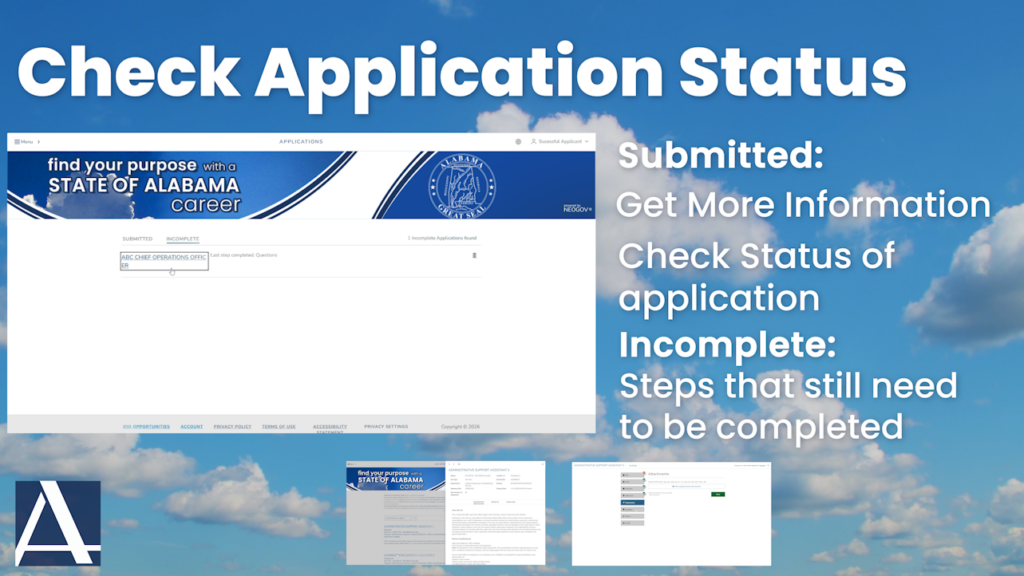
Step 3: When you’ve completed an application, you can check the status by using the drop down menu under your name and clicking Applications.
Under the Submitted status, you can see more information about the job(s) you’ve applied for and keep up with your application as it moves through the review process.
If you have to pause while filling out an application, or miss something in a prompt, you can pick up where you left off by checking the Incomplete status, to see what is still required.